strada

Open Strada

01

HOW IT WORKS

00:00:00:00

Three steps.

Three steps.

Three steps.

None of them is an upload.

None of them is an upload.

None of them is an upload.

Thunderbay

RAID

LA M4 Mac Studio

HOST

STEP 01

Connect your drive

Install Strada on the computer your media is connected to, whether that’s a RAID, a NAS, a hard drive or a card reader. That computer becomes your host.

Invite to “A003”

margot@strada.tech

austin@strada.tech

Role: Edit

Invite

M

Michael

Owner

E

Editor · New York

Edit

STEP 02

Invite your team

Share a drive or a single folder by email and choose what each person can do. Nothing outside that folder is visible.

Strada Finder

On other computers

LA M4 Mac Studio

A003

MOUNTED

Ocean footage thumbnail

STEP 03

Open it in Finder

It mounts on their computer like a local drive. They drag files into Premiere Pro, Resolve, Avid or Final Cut and start cutting.

02

THE WORKFLOW

00:00:10:00

Follow one clip from

Follow one clip from

Follow one clip from

camera to cut.

camera to cut.

camera to cut.

Everything Strada does, in the order your project needs it.

Upload Links

Strada Transfer

Strada Mobile

Footage goes straight to the computer that will cut it.

Footage goes straight to the computer that will cut it.

Footage goes straight to the computer that will cut it.

Send clips from your phone or the DIT cart directly to your editor’s drive. Need files from a freelancer or a client? Send an upload link. No account or login required.

Send clips from your phone or the DIT cart directly to your editor’s drive. Need files from a freelancer or a client? Send an upload link. No account or login required.

PHONE TO WORKSTATION

UPLOAD LINKS

NO LOGIN REQUIRED

A003_C010.mov · landing on your drive

01 · BRING IT IN
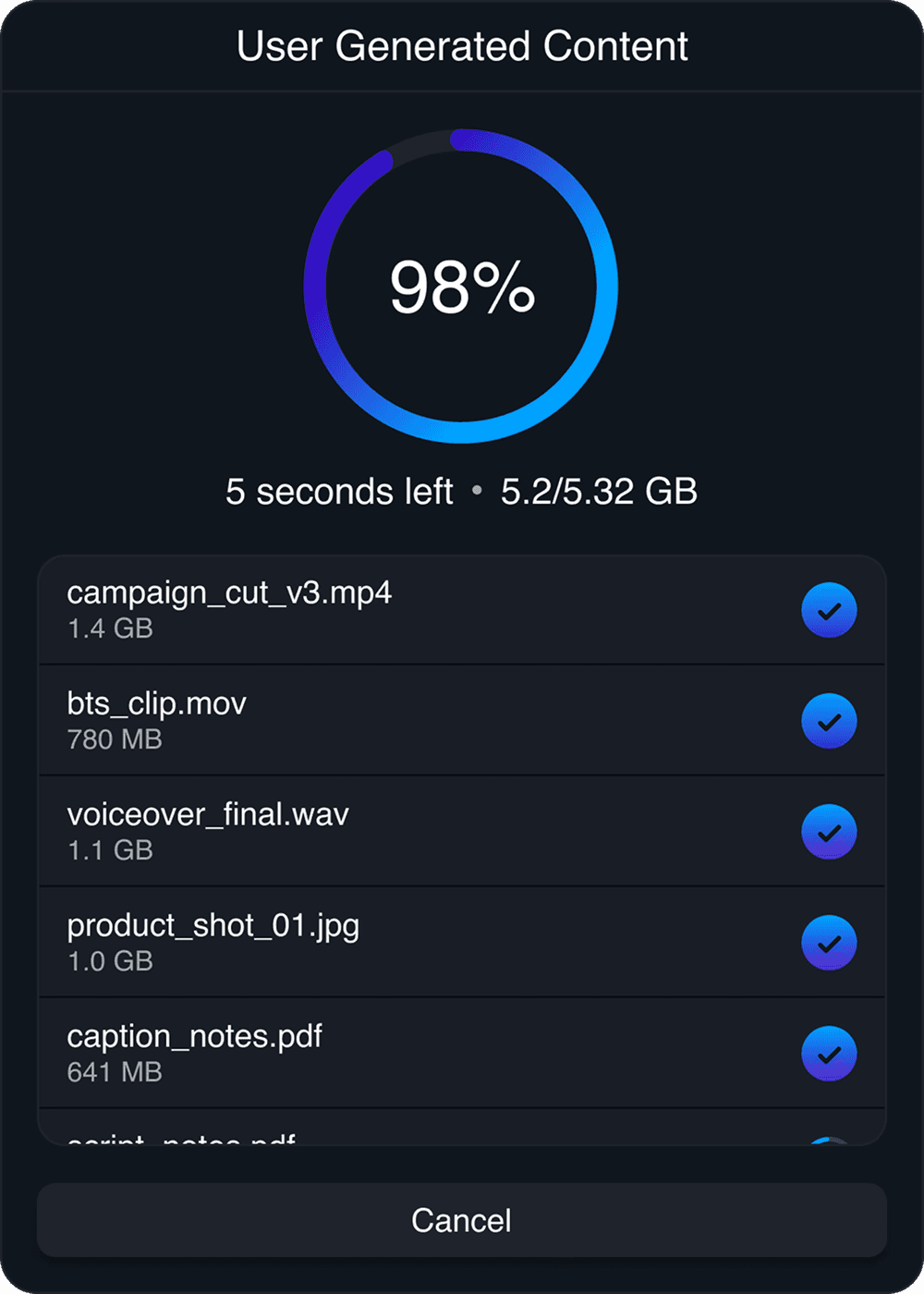
Strada Upload Links receiving files into the User Generated Content folder

Strada Share

Invite anyone to exactly what they need. Nothing more.

Invite anyone to exactly what they need. Nothing more.

Invite anyone to exactly what they need. Nothing more.

Share a drive or a single folder by email. Set each person’s role, from view only to admin, and change or remove it at any time. You can grant access from your phone, too: they’re in before you’ve packed up.

Share a drive or a single folder by email. Set each person’s role, from view only to admin, and change or remove it at any time. You can grant access from your phone, too: they’re in before you’ve packed up.

FOLDER-LEVEL ACCESS

5 PERMISSION LEVELS

REVOKE ANYTIME

A003_C010.mov · shared with your editor

02 · SHARE IT

Invite to “A003”

Thunderbay · LA M4 Mac Studio

margot@strada.tech

austin@strada.tech

Role

View

Download

Comment

Edit

Admin

Copy link

Invite

People with access

K

Kira Gopinath

kira@strada.tech

Owner

R

Rowan Ellis

rowan@strada.tech

Comment

J

Jordan Okafor

jordan@strada.tech

Edit

Invite to “A003”

Thunderbay · LA M4 Mac Studio

margot@strada.tech

austin@strada.tech

Role

View

Download

Comment

Edit

Admin

Copy link

Invite

People with access

K

Kira Gopinath

kira@strada.tech

Owner

R

Rowan Ellis

rowan@strada.tech

Comment

J

Jordan Okafor

jordan@strada.tech

Edit

Strada Connect

Drag. Drop. Edit.

Drag. Drop. Edit.

Drag. Drop. Edit.

Shared folders mount in Finder or File Explorer like a local drive, so they show up inside your editing app without a plugin. Your editor works off your drive as if it were on their desk.

Shared folders mount in Finder or File Explorer like a local drive, so they show up inside your editing app without a plugin. Your editor works off your drive as if it were on their desk.

PREMIERE PRO

DAVINCI RESOLVE

AVID

FINAL CUT PRO

A003_C010.mov · in the timeline

03 · EDIT IT
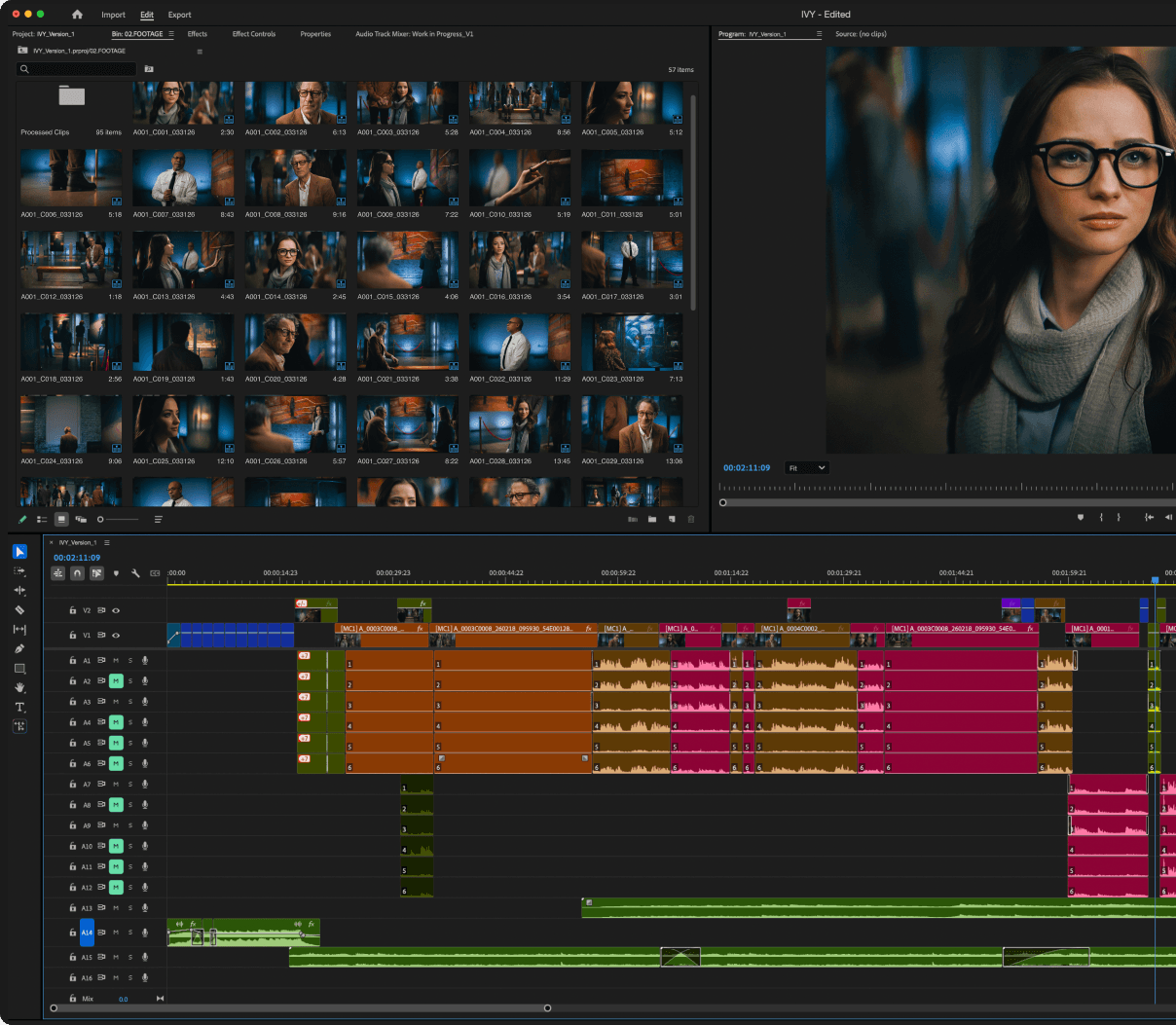
Premiere Pro editing footage from a Strada drive
A003_C010.mov being dragged into the timeline

Strada Player

Comments

Notes live on the footage, not in your inbox.

Notes live on the footage, not in your inbox.

Notes live on the footage, not in your inbox.

Play any clip instantly from any remote drive, including full-resolution RAW. Leave timecode-accurate comments with drawn annotations, from your desk or your phone. No Slack, no email, no screenshots.

Play any clip instantly from any remote drive, including full-resolution RAW. Leave timecode-accurate comments with drawn annotations, from your desk or your phone. No Slack, no email, no screenshots.

TIMECODE COMMENTS

DRAWN ANNOTATIONS

FULL-RES RAW PLAYBACK

A003_C010.mov · 2 comments

04 · REVIEW IT

Strada Finder with A003_C010.mov selected
Strada Player playing A003_C010.mov

COMMENTS

R

Rowan Ellis

2m

00:00:04:12

Keep the upper-left clear, the title card goes here.

J

Jordan Okafor

1m

00:00:06:20

Drawing

Framed the whale lower in v3. The title has room now.

Add a comment…

Strada Finder with A003_C010.mov selected
Strada Player playing A003_C010.mov

COMMENTS

R

Rowan Ellis

2m

00:00:04:12

Keep the upper-left clear, the title card goes here.

J

Jordan Okafor

1m

00:00:06:20

Drawing

Framed the whale lower in v3. The title has room now.

Add a comment…

Strada Transfer

Hand off to color, sound and VFX without waiting on uploads.

Hand off to color, sound and VFX without waiting on uploads.

Hand off to color, sound and VFX without waiting on uploads.

Copy files and folders directly between any computers you can access. Transfers queue, resume after network drops, keep their folder structure and finish with a checksum report.

Copy files and folders directly between any computers you can access. Transfers queue, resume after network drops, keep their folder structure and finish with a checksum report.

PEER-TO-PEER

RESUMES AFTER DROPS

CHECKSUM REPORTS

A003_C010.mov · sent to color

05 · HAND IT OFF

Your jobs

1

Others’ jobs

M

Transferring

11 files · 23 GB

50% · 7m remaining

Cancel

Editorial Mac Studio

Color Suite

M

Transfer complete

18 files · 34 GB

Completed 1h ago

Show in Strada

Editorial Mac Studio

Sound Mac Mini

M

Transfer complete

6 files · 8 GB

Completed 6h ago

Show in Strada

Editorial Mac Studio

VFX Workstation

Your jobs

1

Others’ jobs

M

Transferring

11 files · 23 GB

50% · 7m remaining

Cancel

Editorial Mac Studio

Color Suite

M

Transfer complete

18 files · 34 GB

Completed 1h ago

Show in Strada

Editorial Mac Studio

Sound Mac Mini

M

Transfer complete

6 files · 8 GB

Completed 6h ago

Show in Strada

Editorial Mac Studio

VFX Workstation

03

NO MIGRATION

00:00:20:00

One protocol.

One protocol.

One protocol.

Every tool you already use.

Every tool you already use.

Every tool you already use.

Strada doesn’t replace your storage, your apps or your workflow. It connects them.

Strada doesn’t replace your storage, your apps or your workflow. It connects them.

An editor in headphones reviewing footage in Strada Finder on an iPad

01 — INTERFACE

Built to feel like Finder

Zero learning curve. No new asset manager, nothing to migrate. If you can use Finder or File Explorer, you can use Strada.
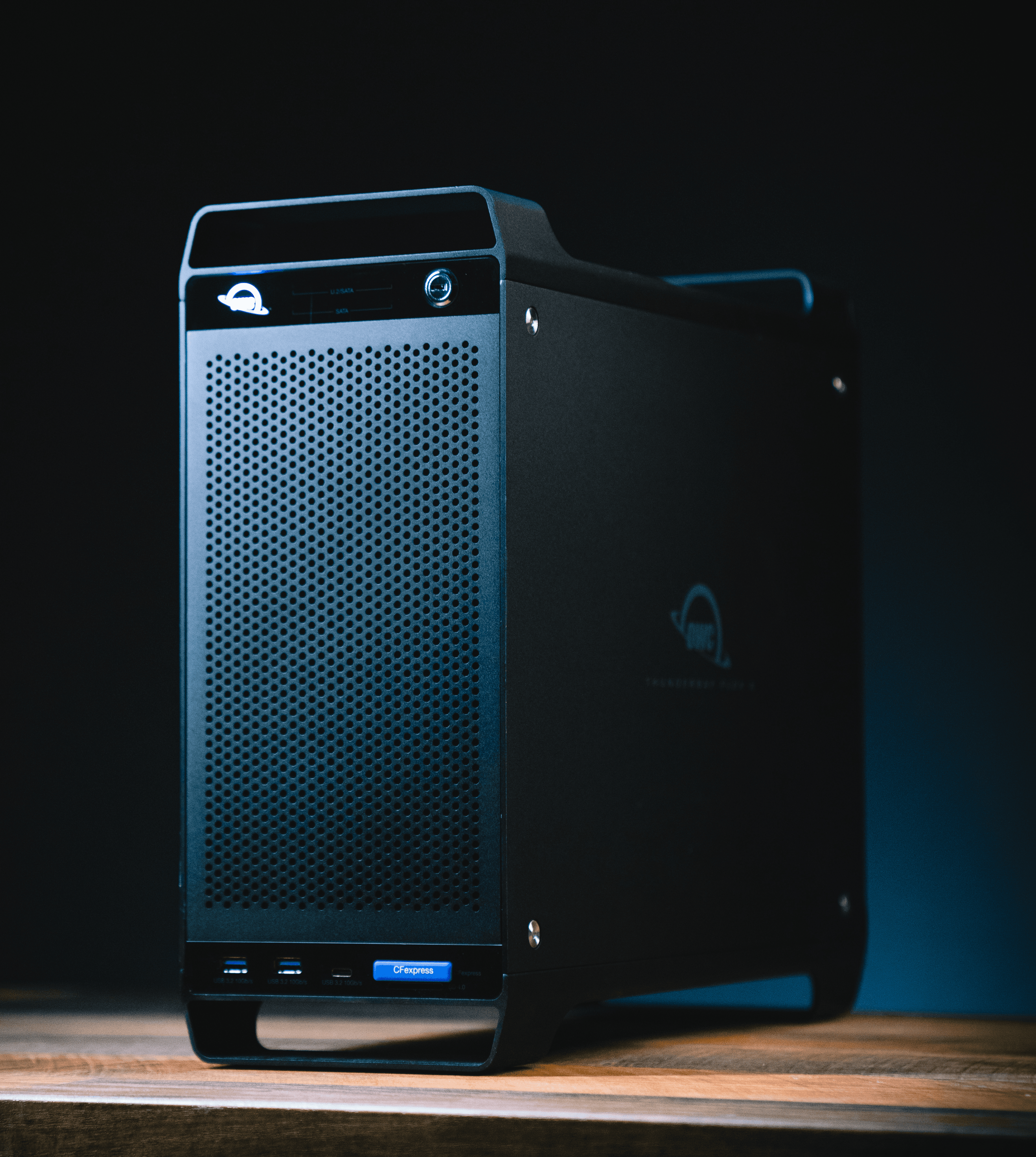
OWC ThunderBay RAID drive

02 — STORAGE

Your storage

RAID DRIVES

NETWORK ATTACHED STORAGE

HARD DRIVES

CARD READERS

No NAS required. Any drive works.

03 — APPS

Your apps

Strada works at the OS level, so your drives show up in your apps without a plugin.

Pr

Premiere Pro

Dr

DaVinci Resolve

Mc

Avid Media Composer

Fc

Final Cut Pro

Ps

Photoshop

Lr

Lightroom

Lp

Logic Pro

Pt

Pro Tools

Strada Mobile on an iPhone

04 — DEVICES

Your devices

Transfer, review and share from your desk or your pocket.