Strada Connect
Remote editing,
without the upload.
Mount your team’s drives anywhere and cut like they’re on your desk.
Sign up for free
PROOF · FILM RIOT
1,500 miles apart.7 TB of media. Home internet.
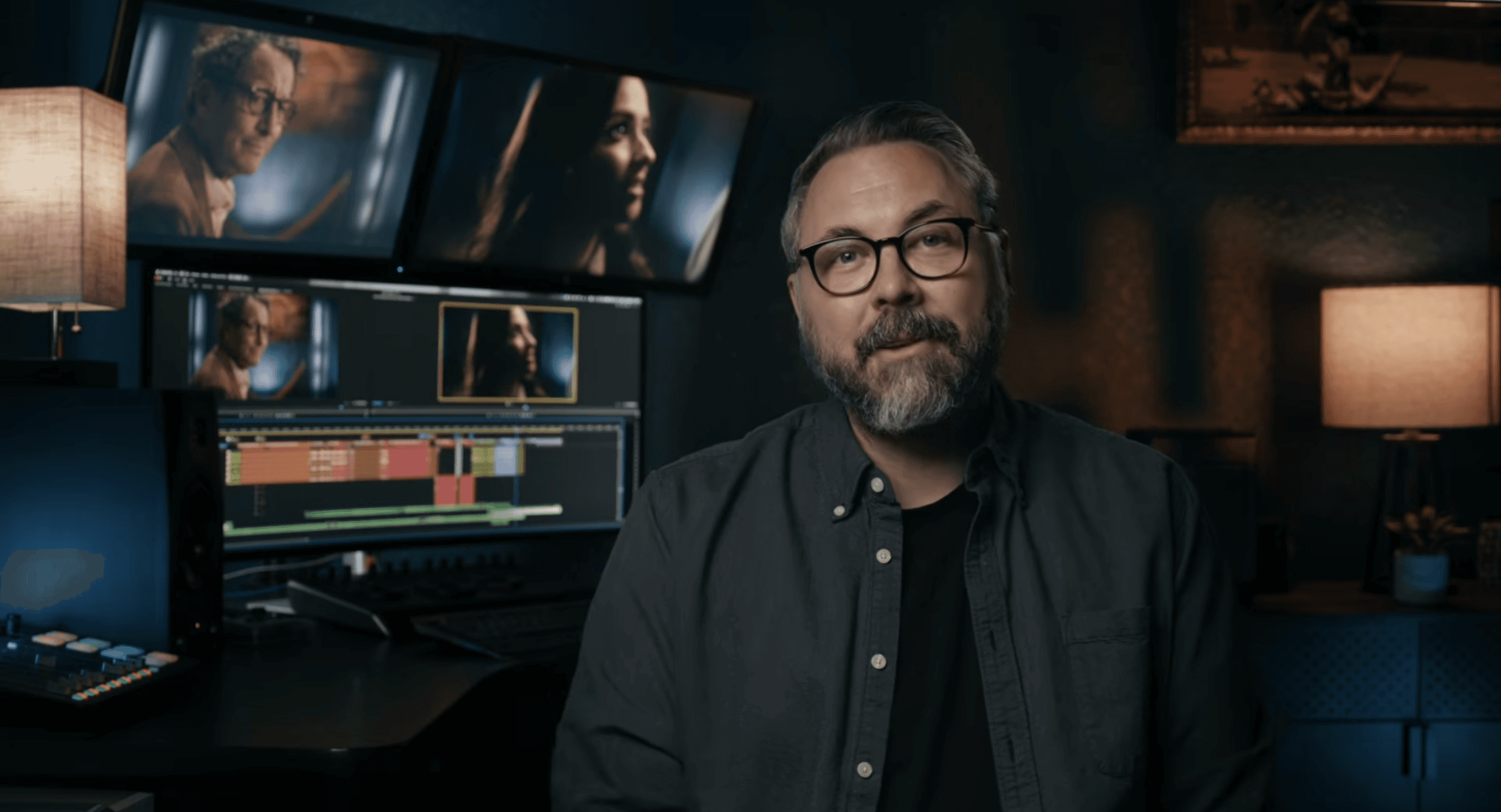
“It felt like I was working off a drive connected directly to my local system. It just played like local footage.”
Ryan Connolly, Film Riot
THE HONEST PHYSICS
It plays like local footage.
Here’s why.
Proxies
Edit proxies. Finish at the source.
Full-resolution RAW is too big for the open internet, so remote editing rides proxies. Cut with them, then relink to the originals on the host and export there. Anyone claiming otherwise is buffering.
Cache and pin
Pin what you’re cutting.
Files cache on your machine as you work. Pin a folder to keep it local.
Adaptive Quality
Playback that adjusts to your connection.
Quality steps down when the connection dips and back up when it recovers. The playhead never stops.
RAW playback
Review RAW anywhere. Today.
Play R3D, BRAW and Canon RAW at full resolution over a normal connection, de-bayered on your machine. JKL, frame stepping and up to 10× speed.
YOUR APPS
Works where you work.
No plugin. No new asset manager.
Browse them in the Media Browser like any other drive.Your shared folders show up as volumes in Media Storage.Link to the shared drive from the Source Browser, like any local volume.Import from the shared drive and leave the files in place.
Plus
Photoshop
Lightroom
Logic Pro
Pro Tools
and more.
STRAIGHT ANSWERS
One machine stays on.
And it’s one you already own.
A computer that never shuts off. The difference: you own this one, and it costs you nothing per month.
Set up for the best performance
Read the setup guide
01
Host on your fastest machine.
A Mac mini or Mac Studio works well.
02
Wired ethernet on the host.
Its upload speed sets the pace.
03
Sleep off, drives awake.
04
Proxies in H.265, under about 10 Mbps.
05
Keep project files local.
Share timelines as OTIO or XML.
PRICING
Unlimited storage.
It’s already yours.
Other remote editing tools charge per terabyte to hold your files. Strada charges per user, and the storage is the drive you already own.
Remote editing from $8 per user per month, billed annually. Free plan for review.
QUESTIONS
Your questions,
answered.
01
Do I have to use proxies?
Yes, for remote editing. Cut with proxies, ideally H.265 under about 10 Mbps, then relink to the originals on the host to finish. You can still play full-resolution RAW remotely for review.
02
What internet speed do I need?
03
Does a computer need to stay on?
04
Can several editors work off the same drive?
05
Can we share one project file?
06
How is this different from LucidLink?
07
What does it run on?
08
Which plan includes remote editing?
Point it at one real project.
Get one month free.
Connect a drive
·
Invite an editor
·
Working in minutes
Sign up for free